

How to use LumaKol, step by step
Short tutorials with diagrams and real app screens — from creating your workspace to coaching from recordings. Pick your role or start at the top.

How LumaKol works
One loop, run every day: leads come in, agents call from their own numbers, the app captures the call and asks for the outcome, the follow-up is booked, and managers coach from what actually happened.
- Leads arriveImport, add, assign
- Agent calls from the appown SIM, own number
- Call capturedautomatically on Android
- Outcome + follow-upone tap, ten seconds
- Managers see it liveboard, reports, recordings
Where the data flows
Calls stay on the mobile network. Only the call record, outcome and notes travel to the workspace.
What you can measure
Three views every team uses weekly. The numbers below are examples; yours come from captured calls.
- Interested34%
- Call back22%
- No answer28%
- Not interested16%
- New320
- Contacted210
- Interested96
- Qualified41
- Won18
Get started
For the owner setting up the workspace — about 30 minutes end to end.
 1Create your workspaceSign up, verify your email and set the basics — country, time zone, currency and calling hours — before anyone else joins.5 minWebOwner / admin
 2Set up your pipeline, call outcomes and fieldsStages describe where a lead is; outcomes describe what happened on a call and what should happen next. Get these right and the app does the paperwork.10 minWebOwner / admin
 3Start from an industry pipeline templateReady-made stages, call outcomes, custom fields and an opening script for your kind of business. Apply one in a click, apply another later, and nothing you already have is deleted.4 minWebOwner / admin
 4Invite your team and choose rolesAgents and team leads use seats; up to three owners, admins, billing admins and viewers are free. Invite by email, or by mobile number for agents who do not use email.5 minWebOwner / admin
 5Import leads and assign themUpload the sheet your team already uses, map its columns, skip duplicates and invalid numbers, and deal the leads out to agents.8 minWebTeam lead / admin
The agent app
For agents on Android and iPhone: install, call, log outcomes, follow up.
 Install the Android app and set up your work SIMSign in with the same mobile number, walk through the permission steps, pick the SIM you call from, and let the app start capturing.6 minAndroidAgent
 Start calling from the queueThe queue hands you the next lead — the one most worth calling right now, by its lead score — with the script beside the Call button.4 minAndroidiPhoneAgent
 Lead scores: call the best leads firstEvery open lead gets a score from 0 to 100 with the reasons beside it, so your queue and your lists put the leads most worth a call right now at the top.3 minAndroidiPhoneWebAgent
 Log a call outcomeOne tap for what happened, a follow-up that is already filled in, an optional note and the questions your team defined. Ten seconds, every call.3 minAndroidiPhoneWebAgent
 Follow-ups and remindersEvery promised callback in one list — overdue in red, today, the next seven days — with reminders on the phone at the right time.3 minAndroidiPhoneWebAgent
 Call scripts and WhatsApp / SMS / email templatesAdmins write scripts and templates once; agents see the right script beside the Call button and send a filled-in message in one tap, logged on the lead.5 minWebAndroidiPhoneEveryone
 Track field visits with check-in and check-outCheck in when you reach a customer and check out when you leave. The location is read once at each moment, compared with the lead’s saved location, and every stop shows up on the day’s route.4 minAndroidiPhoneWebEveryone
 Attendance, breaks and check-inA tap to start the day, typed breaks, a tap to end it — so the live board and attendance reports reflect real working time.3 minAndroidiPhoneWebAgent
 iPhone: assisted callingiOS does not expose the call log, so the iPhone app tracks the calls you start from it and asks for the outcome when you come back — with a reliability label on every call. The iPhone app is coming to the App Store.5 miniPhoneAgent
 Scan business cards into leadsPoint the phone at a business card and the Add a lead form fills itself in — name, numbers, email, company and job title — read on the phone, with the photo never uploaded.3 minAndroidiPhoneAgent
Manage the team
For team leads and admins: live board, reports, recordings, policy.
 Run the day from the live boardWho is available, on a call, on a break or idle right now, with today’s calls, outcomes and overdue callbacks per person — fed by the phones, not by reports.4 minWebAndroidiPhoneTeam lead / admin
 Reports: funnel, workload, outcomes, coaching and attendanceWhat each report answers, where the numbers come from, and the ones worth a look every week — including the Coaching view for managers and revenue from quotes.6 minWebTeam lead / admin
 Call recordings and review scorecards: coaching from real callsLumaKol does not record audio itself. Where the phone’s dialer records calls, the app links the file to the lead and uploads it; managers score calls on one shared scorecard, and agents see the feedback.5 minWebAndroidTeam lead / admin
 Calling policy and lead data protectionHours checked before the dial, attempt limits and retry delays; a “Requested no contact” outcome that closes the lead and can block further calls; number masking, recording access and screenshot blocking for the data.6 minWebOwner / admin
 Put a lead form on your websiteA form somebody fills in and the lead is already in the calling queue, carrying its source and tags — as a link you can share anywhere, or as HTML you paste into your own site.6 minWebOwner / admin
 Add live chat to your website and answer from the Chats inboxOne line of code puts a chat bubble on your site. Visitors leave their name and mobile number, your team replies from the Chats inbox, and every chat is saved as a lead you can call.7 minWebOwner / admin
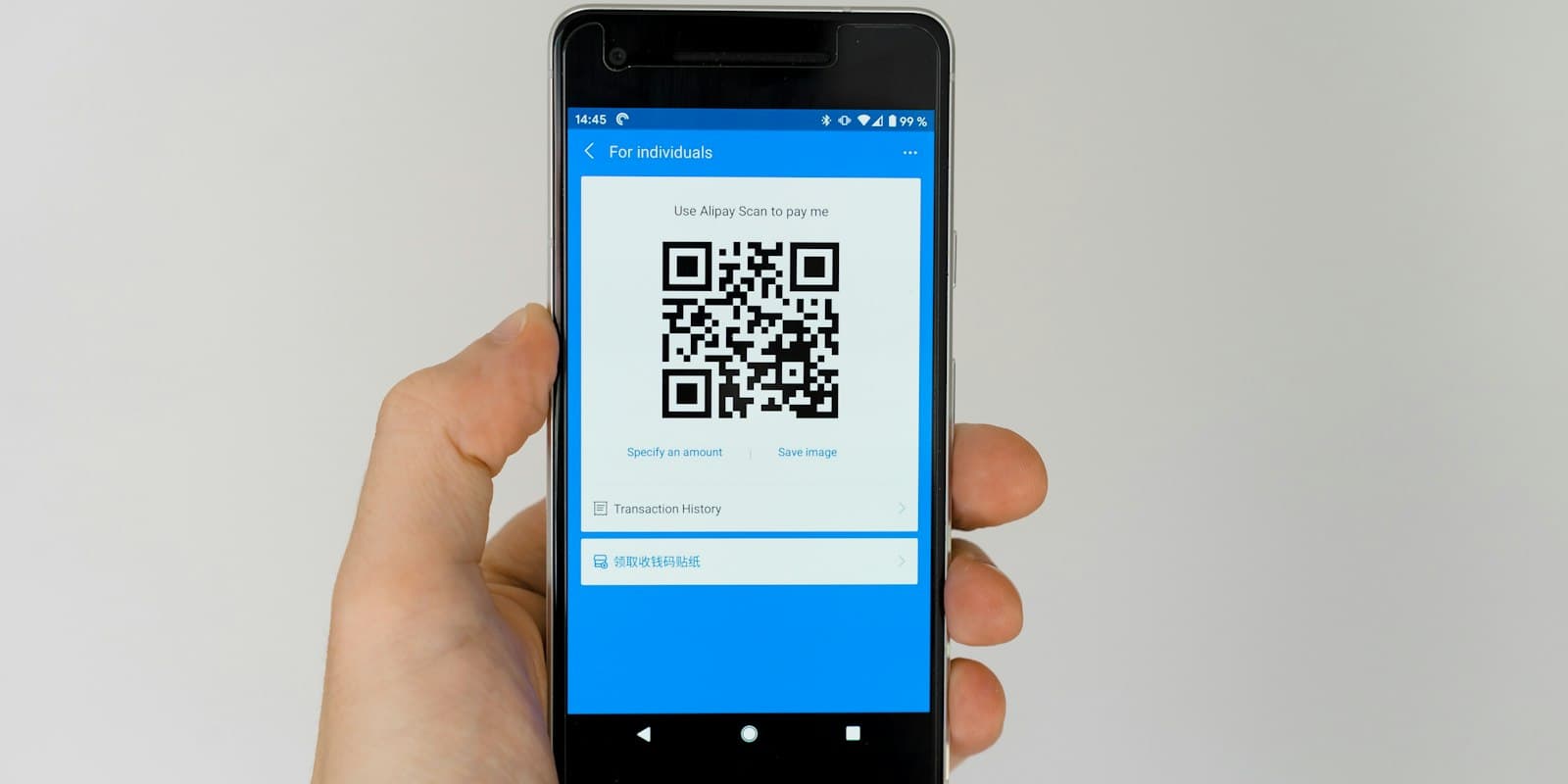 QR code posters and walk-in leadsPrint a QR code for your counter, stand or brochure so visitors fill in your lead form themselves, and log the people you meet in person with one tap on the source.4 minWebAndroidiPhoneOwner / admin
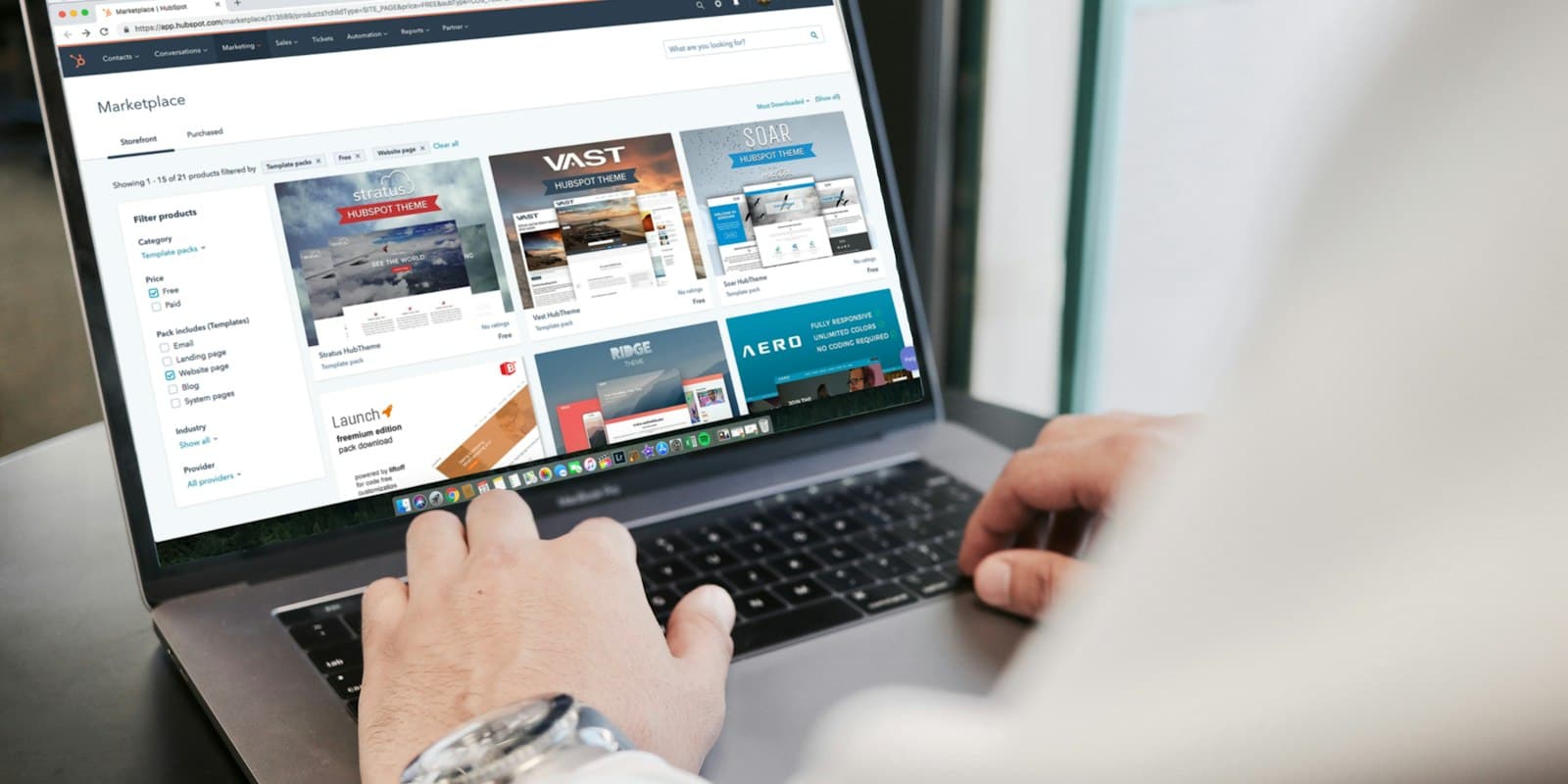 Connect Google Ads, IndiaMART, JustDial and your website as lead sourcesNew enquiries arrive in LumaKol on their own, go to the right person and ring their phone — nobody copies leads from portals, inboxes or sheets.9 minWebOwner / admin
 Turn missed calls into leadsA missed call from a new number on an agent’s work SIM becomes a lead with a callback due, owned by the agent whose phone rang. Off by default, Android only, and personal numbers stay out with “Not a lead”.6 minWebAndroidOwner / admin
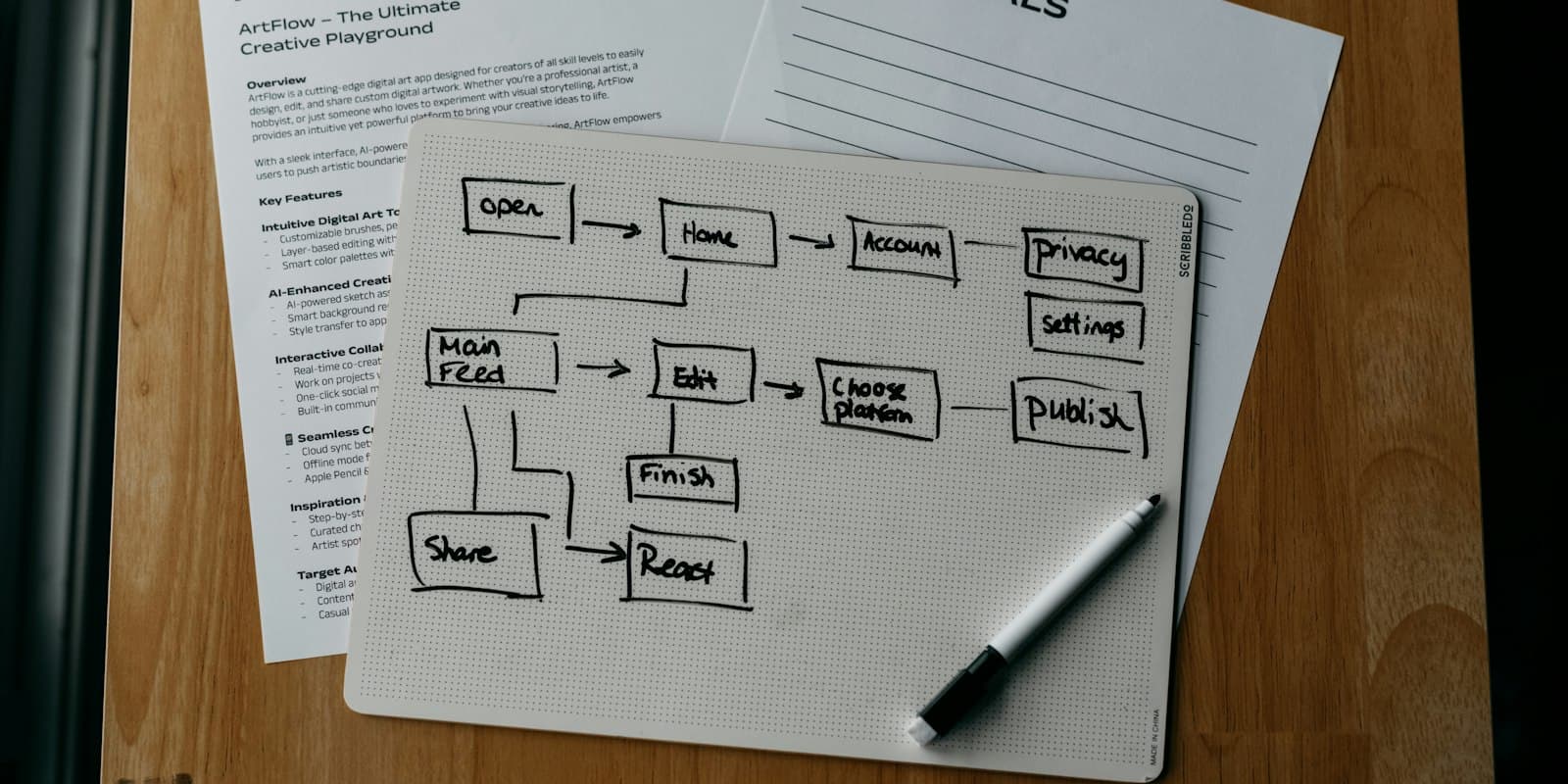 Automate lead handling with rulesWhen something happens to a lead, and it matches, LumaKol does the actions for you — passing on leads nobody called, chasing overdue follow-ups and tidying up after unanswered calls.7 minWebOwner / admin
 Follow up automatically with sequencesTimed steps after a lead is added: emails that send themselves, WhatsApp and SMS reminders with the text ready, and call tasks for the owner — ending when the lead answers, is won or is lost.8 minWebOwner / admin
 Send quotes and get paid by UPICreate a quote on a lead, share the link on WhatsApp, and let the customer accept it and pay straight to your UPI ID — with the deal value and revenue updating as it happens.6 minWebEveryone
 Set monthly sales targets and read the month-end forecastGive each caller a monthly goal for calls, connected calls, deals won and revenue. Everyone sees whether they are ahead or behind as the month runs, and Reports adds what revenue the month is likely to close at.6 minWebOwner / admin
 Connect your own software with the API and webhooksA key your tool uses to read and write leads and calls, and webhooks that push events to your own endpoint the moment they happen. Both live in Settings → API & webhooks.9 minWebOwner / admin
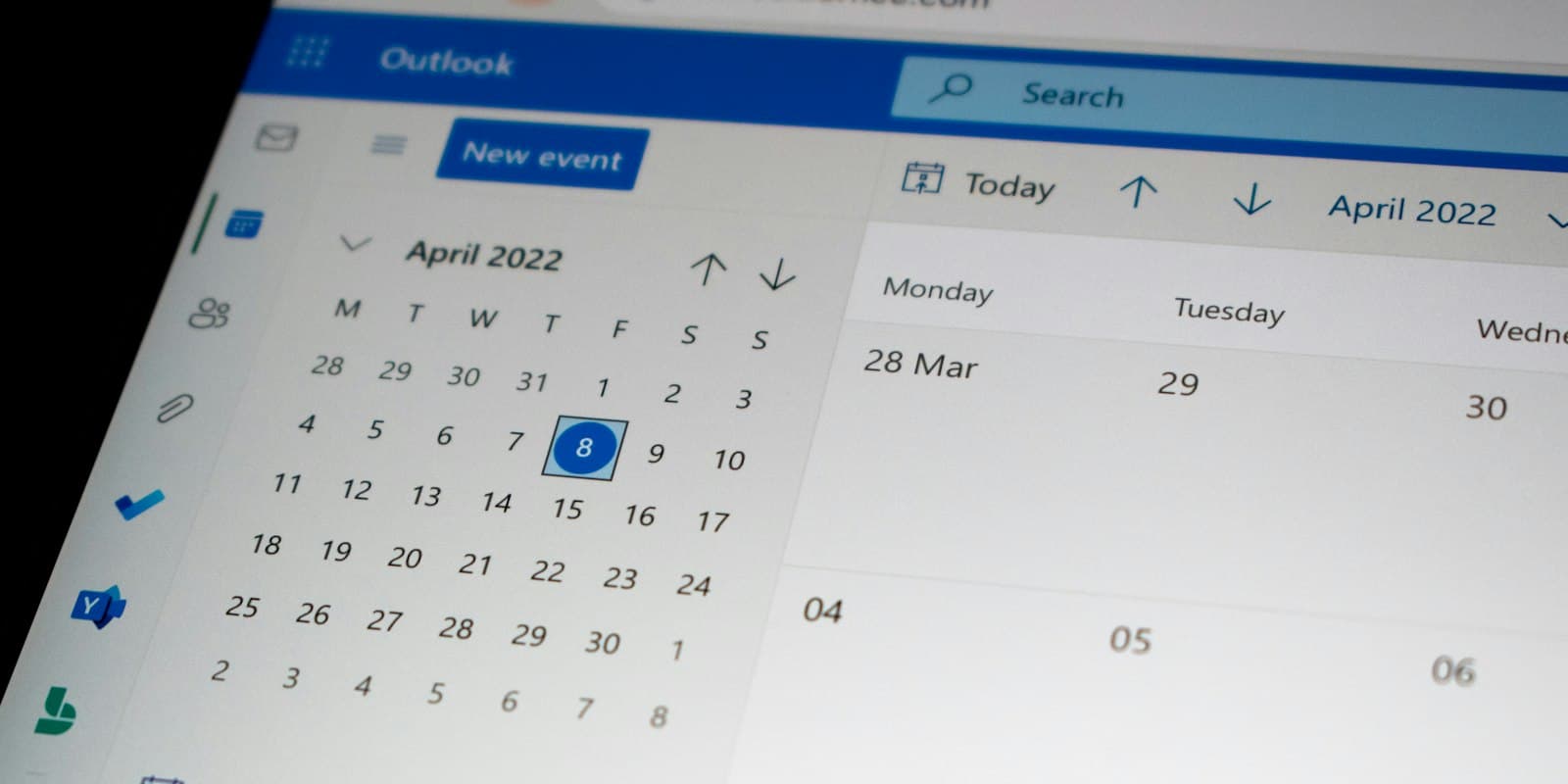 See your follow-ups in Google, Apple or Outlook CalendarOne private link puts every promised callback into the calendar you already keep open, with the number, the stage and the last outcome on it.4 minWebOwner / admin
Account & billing
Plans, languages, sessions, exports and deletion.
 Plans, seats and billingHow the trial works, which roles use seats, how to subscribe, change, pause or cancel, and where invoices and tax details live.5 minWebOwner / admin
 Languages, time zone and appearanceLumaKol ships in 33 languages. Each person picks their own; the workspace sets the default. Dark mode lives in the mobile apps.2 minWebAndroidiPhoneEveryone
 Sessions, data export and account deletionSign out other devices, export what your role allows, and delete an account — from the app or by request — with what happens to the data spelled out.4 minWebAndroidiPhoneEveryone
Give your team a CRM that captures every call
Set up your workspace in minutes and start capturing calls today.
Create free account