

Security your customers would approve of
LumaKol holds your leads, your call history and the phone numbers of people who trusted your team with them. Here is exactly how that data is protected — on our side, on your agents’ phones, and for the people you call.
- In transit
- TLS on every connection — web, apps and API
- At rest
- Database encrypted; secrets get a second AES-256 layer
- Sign-in
- Argon2id hashing and known-breach checks
- Phones
- One phone per account; a second is signed out

Your data, your agents’ phones, and the people you call
Most CRMs stop at the server. A calling CRM lives on phones and touches people who never signed up for anything, so the perimeter has to include both.

Your workspace data
Leads, calls, notes and recordings stay inside your organisation and are readable only by the roles you allow.
- Every record carries your organisation’s ID and every query the API runs is filtered by it, so no screen or API key reads across workspaces
- Encrypted in transit and the database encrypted at rest; tokens, mailbox passwords and other secrets are encrypted again in the application
- An append-only audit trail records exports, admin changes and sign-ins
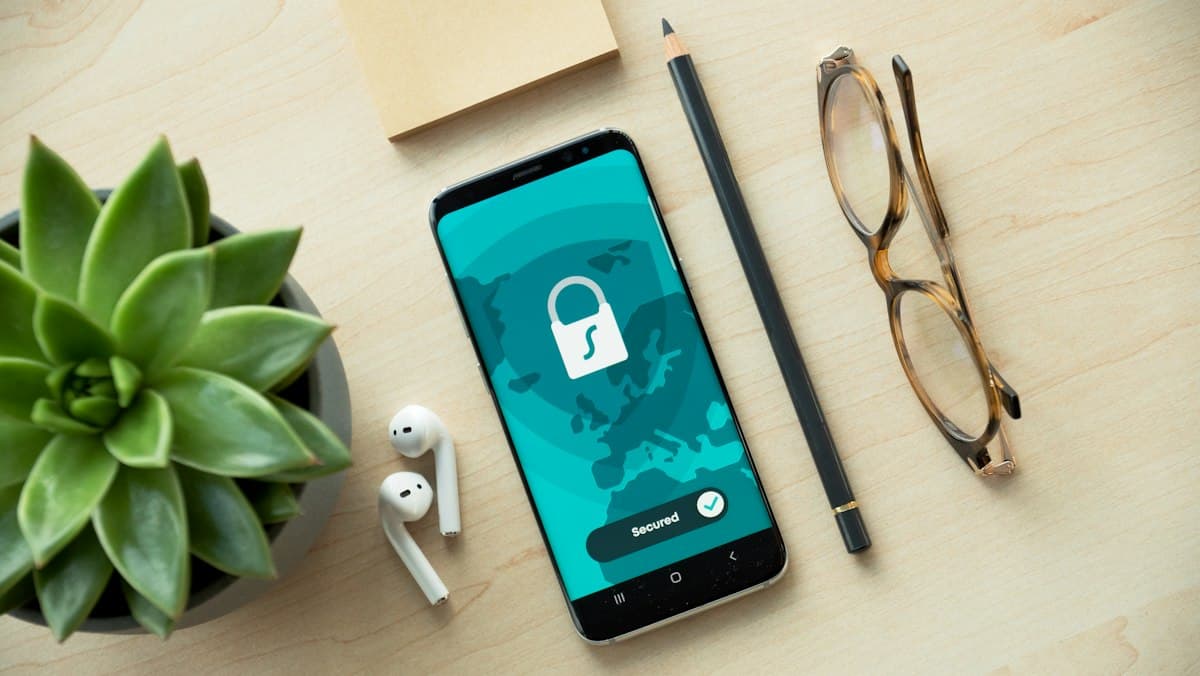
Your agents’ phones
The app is designed so that a lost or shared phone does not become a leak of your pipeline.
- Sign-in tokens live in the phone’s hardware-backed secure storage, are short-lived and rotate silently
- One phone per account: signing in on a second device signs the first one out with a clear message
- Screenshots and screen recording are blocked inside the app — a workspace policy that is on by default

The people your team calls
Contacts never agreed to be in a CRM. LumaKol reads as little as possible from the phone and gives you the tools to respect their wishes.
- Only calls on the agent’s work SIM are read — personal calls never leave the phone, and calls from new numbers are sent only if the workspace turns on missed-call leads
- Numbers can be masked or hidden from agents inside the app — the phone’s own dialler still shows a number the agent calls — and recording playback is limited to managers by default
- A do-not-call setting, a “requested no contact” outcome and access or deletion requests are handled inside the product
What is in place today
Plain language, no marketing. Every line describes a control that is live in the product now.
- In transit
- Every connection between the web app, the mobile apps and LumaKol is encrypted with TLS. The mobile apps refuse unencrypted connections.
- At rest
- Your data is encrypted at rest. Call recordings are stored privately and served only through the app, to the roles you allow.
- Tenant isolation
- Every record carries your organisation’s ID, and every query the API runs is filtered by it, so one customer’s screens, phones and API keys cannot read another customer’s data.
- Passwords
- Hashed with Argon2id. New passwords are checked against known data-breach lists and rejected if they appear there. Email addresses are verified before the first sign-in.
- Brute-force protection
- Repeated failed sign-ins are slowed and then locked out, tracked per account and per network address.
- Mobile sessions
- Short-lived access tokens with rotating refresh tokens; reuse of a retired token ends the session. One phone per account.
- Restricted fields
- Secrets such as authentication material and provider tokens are encrypted with AES-256-GCM before they are stored, on top of disk encryption.
- Integrations
- API keys belong to the workspace, carry only the permissions you tick, are stored as a one-way hash and can be revoked instantly. Webhooks are signed so your systems can prove a message came from us.
- Staff access
- LumaKol staff sign in with mandatory two-factor authentication and can only open your workspace through a ticketed, time-limited support session — read-only by default, shown in your workspace while it is open, and recorded in our internal audit log.
- Audit trail
- Sign-ins, exports and administrative changes are written to an append-only log you can read under Settings.
- Retention
- Leads and calls are kept while your workspace is active, and you can delete them at any time. A workspace paused for non-payment, or whose cancelled period has ended, is deleted 90 days later; an owner who deletes their account as the last active member erases the workspace at once.
- Payments
- Card and bank details never touch LumaKol — they are entered directly with Razorpay, our PCI-DSS-compliant payment processor. Payment webhooks are signature-verified.
The phone is part of the perimeter
Agents carry your pipeline in their pocket. The Android and iPhone apps follow the platform security guidance from Google and Apple so a lost, shared or rooted phone does the least possible damage.
- Work SIM onlyOn Android the agent chooses one SIM for work. Calls on any other SIM are never read, matched or uploaded. iPhone apps cannot read the call log at all.
- Tokens kept in secure storageSign-in tokens are held in the platform’s protected key store, never in plain files or preferences.
- Short-lived access, silent rotationAccess tokens are short-lived and refreshed in the background; replaying a retired token ends the session.
- One phone per accountSigning in on another phone signs this one out immediately and tells the agent why — shared logins cannot spread.
- No screenshots or screen recordingLead lists, numbers and call history cannot be captured from the screen inside the app. It is a workspace policy, on by default.
- No accessibility or overlay tricksThe app never reads other apps or the keyboard. The optional call overlay shows only the lead’s name, stage and last outcome.
- Recordings only for lead callsOn Android, if enabled, only recordings that match a lead call are uploaded — over Wi-Fi by default. Music and other audio are never read.

How LumaKol staff get into your workspace — and how they can’t
Support needs to see what you see to fix a problem. Every session is deliberate, limited and recorded.
- Step 1A ticket and a written reason
A session cannot be opened without a support ticket reference and a reason. Staff authenticate with two-factor sign-in first.
- Step 2Read-only by default
Sessions open read-only. Write access is a separate, explicitly requested mode, and on request your workspace can be set to need an owner’s or admin’s approval before any session starts.
- Step 3Time-limited, then it ends
Every support session expires on its own. There is no standing access to customer workspaces.
- Step 4Every action recorded
The staff member, ticket, reason, mode and each action taken are recorded and available to you on request.
You decide who sees what, and for how long
Security settings live in the product, not in a support ticket.
Roles and permissions
Owner, admin, team lead, agent, billing admin and viewer — each role sees exactly what its job needs, and phone numbers can be masked or hidden from agents inside the app.
Sessions and devices
See every signed-in browser and phone and revoke any of them. Deactivating a person ends all their sessions immediately.
API keys and webhooks
See every key, what it may do, when it was last used and from where — and revoke any of them in one click.
Export at any time
Leads export to CSV with their stage, owner and outcomes whenever you want them, and you choose which roles are allowed to export.
Audit and sign-in logs
Read who exported what, who changed settings and every sign-in with its network address, straight from Settings.
Delete on your schedule
Any member can delete their own account from the Android app (and the iPhone app, once released), or ask us through the Delete account page. An owner who is the last active member erases the workspace by deleting their account; a workspace closed through billing is erased on a fixed timeline.
Legal hold
When a dispute or regulator requires it, LumaKol can place a workspace on legal hold, so scheduled deletion pauses until the hold is released.
Built to help you meet your obligations
LumaKol gives you the records and controls the rules ask for. The examples below are the ones our customers ask about most.
India — DPDP Act and TRAI DND
A “requested no contact” outcome that takes a number out of the queue and, with the do-not-call setting on, blocks dialing it; calling-hour and attempt limits; and access or deletion requests answered within 30 days. LumaKol does not screen numbers against the national DND registry, so scrub your lists before you import them.
EU and UK — GDPR
Export and deletion of lead data, a Data Processing Addendum that forms part of the Terms, deletion on your schedule, and an audit trail of who exported or changed what.
Calling rules everywhere
Calling hours, attempt limits and do-not-call handling are workspace settings, so the same team can follow different rules in different markets.
LumaKol provides the controls and the records; your organisation remains responsible for how it contacts people. We do not claim certifications we do not hold. The Data Processing Addendum lists every sub-processor.
Found something? Tell us first.
If you believe you have found a security issue in LumaKol, email us with the details and steps to reproduce. We acknowledge reports within two business days and will not take action against good-faith research.
[email protected]Read the fine print
The documents that govern the service, plus how to get a data processing agreement.
Give your team a CRM that captures every call
Set up your workspace in minutes and start capturing calls today.
Create free account