

ガイド
LumaKol の使い方をステップごとに
図解と実際のアプリ画面を使った短いチュートリアル。ワークスペースの作成から録音を使ったコーチングまで。役割を選ぶか、最初から始めてください。

LumaKol の仕組み
毎日回す 1 つのループ。リードが届き、エージェントが自分の番号から発信し、アプリが通話を記録して結果を尋ね、フォローアップが予約され、マネージャーは実際の出来事をもとにコーチングします。
- リードが届くインポート、追加、割り当て
- エージェントがアプリから発信自分の SIM、自分の番号
- 通話を記録Android では自動
- 結果 + フォローアップワンタップ、10 秒
- マネージャーがリアルタイムで確認ボード、レポート、録音
データの流れ
通話はモバイル回線上にとどまります。ワークスペースに送られるのは通話記録、結果、メモだけです。
エージェントの電話
業務用 SIM
モバイル回線で通話
LumaKol アプリ
通話を記録 · 結果を確認
同期· 暗号化、オフラインでも安全
あなたのワークスペース
Web アプリ
リード · ライブボード · レポート
測定できること
どのチームも毎週使う 3 つのビュー。以下の数値は例で、実際の数値は記録された通話から算出されます。
1 日あたりの通話数
例Mon
Tue
Wed
Thu
Fri
Sat
接続全通話
通話結果の内訳
例- 関心あり34%
- 折り返し22%
- 応答なし28%
- 関心なし16%
パイプラインファネル
例- 新規320
- 連絡済み210
- 関心あり96
- 見込みあり41
- 成約18
はじめに
ワークスペースを設定するオーナー向け。全体で約 30 分です。
 1Create your workspaceSign up, verify your email and set the basics — country, time zone, currency and calling hours — before anyone else joins.5 分Webオーナー / 管理者
 2Set up your pipeline, call outcomes and fieldsStages describe where a lead is; outcomes describe what happened on a call and what should happen next. Get these right and the app does the paperwork.10 分Webオーナー / 管理者
 3Start from an industry pipeline templateReady-made stages, call outcomes, custom fields and an opening script for your kind of business. Apply one in a click, apply another later, and nothing you already have is deleted.4 分Webオーナー / 管理者
 4Invite your team and choose rolesAgents and team leads use seats; up to three owners, admins, billing admins and viewers are free. Invite by email, or by mobile number for agents who do not use email.5 分Webオーナー / 管理者
エージェントアプリ
Android と iPhone のエージェント向け:インストール、発信、結果の記録、フォローアップ。
 Call scripts and WhatsApp / SMS / email templatesAdmins write scripts and templates once; agents see the right script beside the Call button and send a filled-in message in one tap, logged on the lead.5 分WebAndroidiPhone全員
 Track field visits with check-in and check-outCheck in when you reach a customer and check out when you leave. The location is read once at each moment, compared with the lead’s saved location, and every stop shows up on the day’s route.4 分AndroidiPhoneWeb全員
チームを管理する
チームリーダーと管理者向け:ライブボード、レポート、録音、ポリシー。
 Calling policy and lead data protectionHours checked before the dial, attempt limits and retry delays; a “Requested no contact” outcome that closes the lead and can block further calls; number masking, recording access and screenshot blocking for the data.6 分Webオーナー / 管理者
 Put a lead form on your websiteA form somebody fills in and the lead is already in the calling queue, carrying its source and tags — as a link you can share anywhere, or as HTML you paste into your own site.6 分Webオーナー / 管理者
 Add live chat to your website and answer from the Chats inboxOne line of code puts a chat bubble on your site. Visitors leave their name and mobile number, your team replies from the Chats inbox, and every chat is saved as a lead you can call.7 分Webオーナー / 管理者
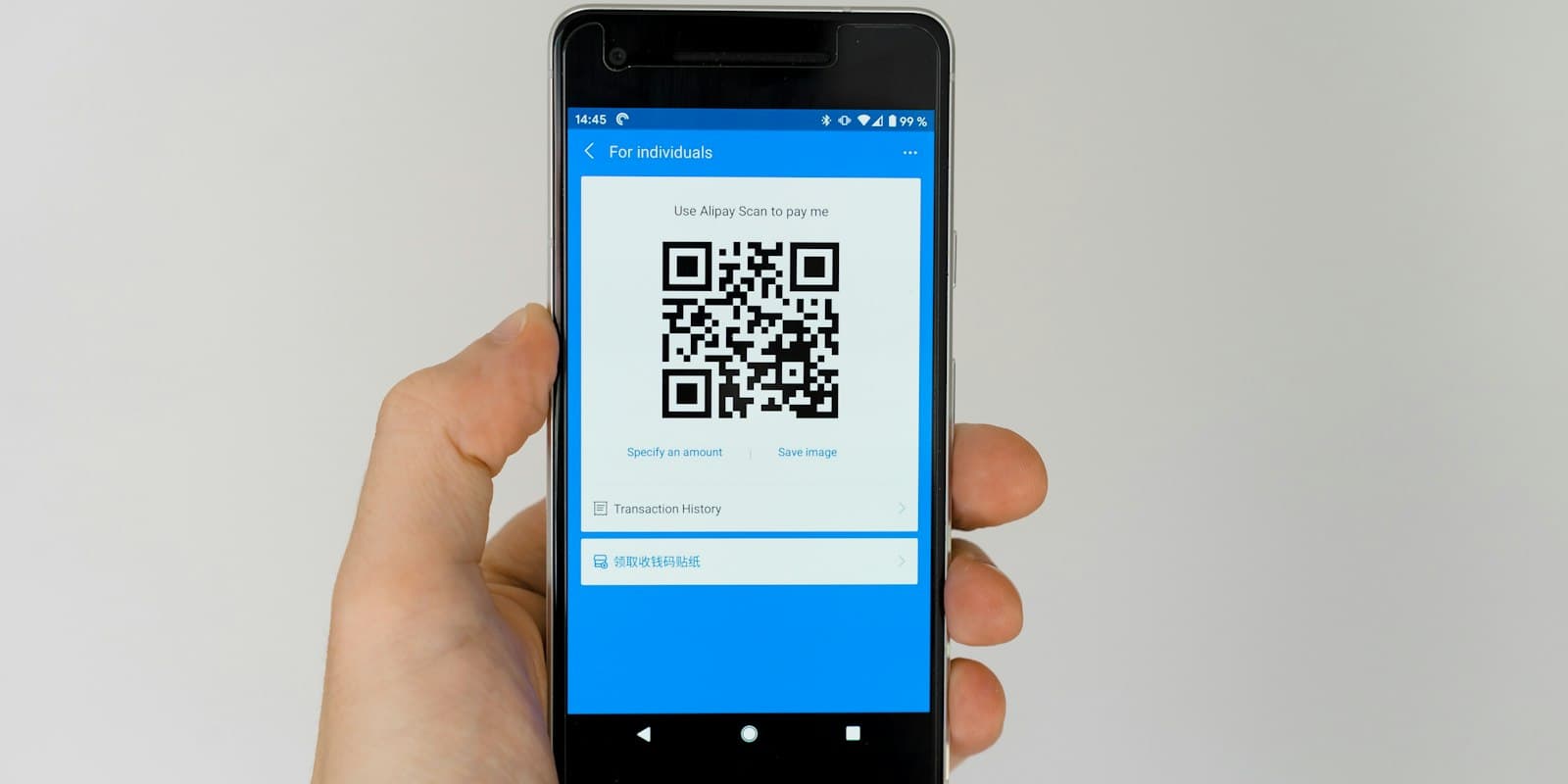 QR code posters and walk-in leadsPrint a QR code for your counter, stand or brochure so visitors fill in your lead form themselves, and log the people you meet in person with one tap on the source.4 分WebAndroidiPhoneオーナー / 管理者
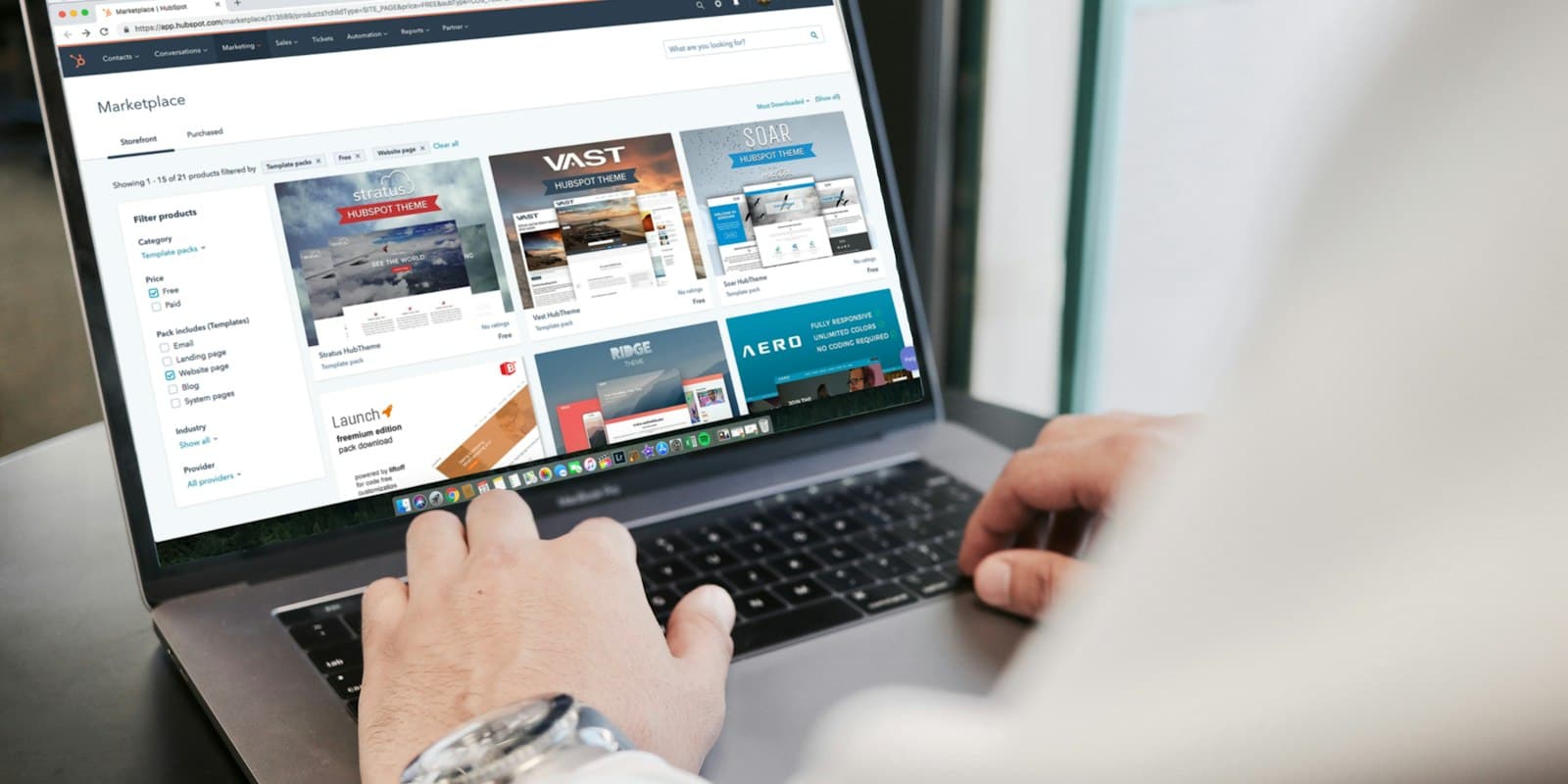 Connect Google Ads, IndiaMART, JustDial and your website as lead sourcesNew enquiries arrive in LumaKol on their own, go to the right person and ring their phone — nobody copies leads from portals, inboxes or sheets.9 分Webオーナー / 管理者
 Turn missed calls into leadsA missed call from a new number on an agent’s work SIM becomes a lead with a callback due, owned by the agent whose phone rang. Off by default, Android only, and personal numbers stay out with “Not a lead”.6 分WebAndroidオーナー / 管理者
 Automate lead handling with rulesWhen something happens to a lead, and it matches, LumaKol does the actions for you — passing on leads nobody called, chasing overdue follow-ups and tidying up after unanswered calls.7 分Webオーナー / 管理者
 Follow up automatically with sequencesTimed steps after a lead is added: emails that send themselves, WhatsApp and SMS reminders with the text ready, and call tasks for the owner — ending when the lead answers, is won or is lost.8 分Webオーナー / 管理者
 Send quotes and get paid by UPICreate a quote on a lead, share the link on WhatsApp, and let the customer accept it and pay straight to your UPI ID — with the deal value and revenue updating as it happens.6 分Web全員
 Set monthly sales targets and read the month-end forecastGive each caller a monthly goal for calls, connected calls, deals won and revenue. Everyone sees whether they are ahead or behind as the month runs, and Reports adds what revenue the month is likely to close at.6 分Webオーナー / 管理者
 Connect your own software with the API and webhooksA key your tool uses to read and write leads and calls, and webhooks that push events to your own endpoint the moment they happen. Both live in Settings → API & webhooks.9 分Webオーナー / 管理者
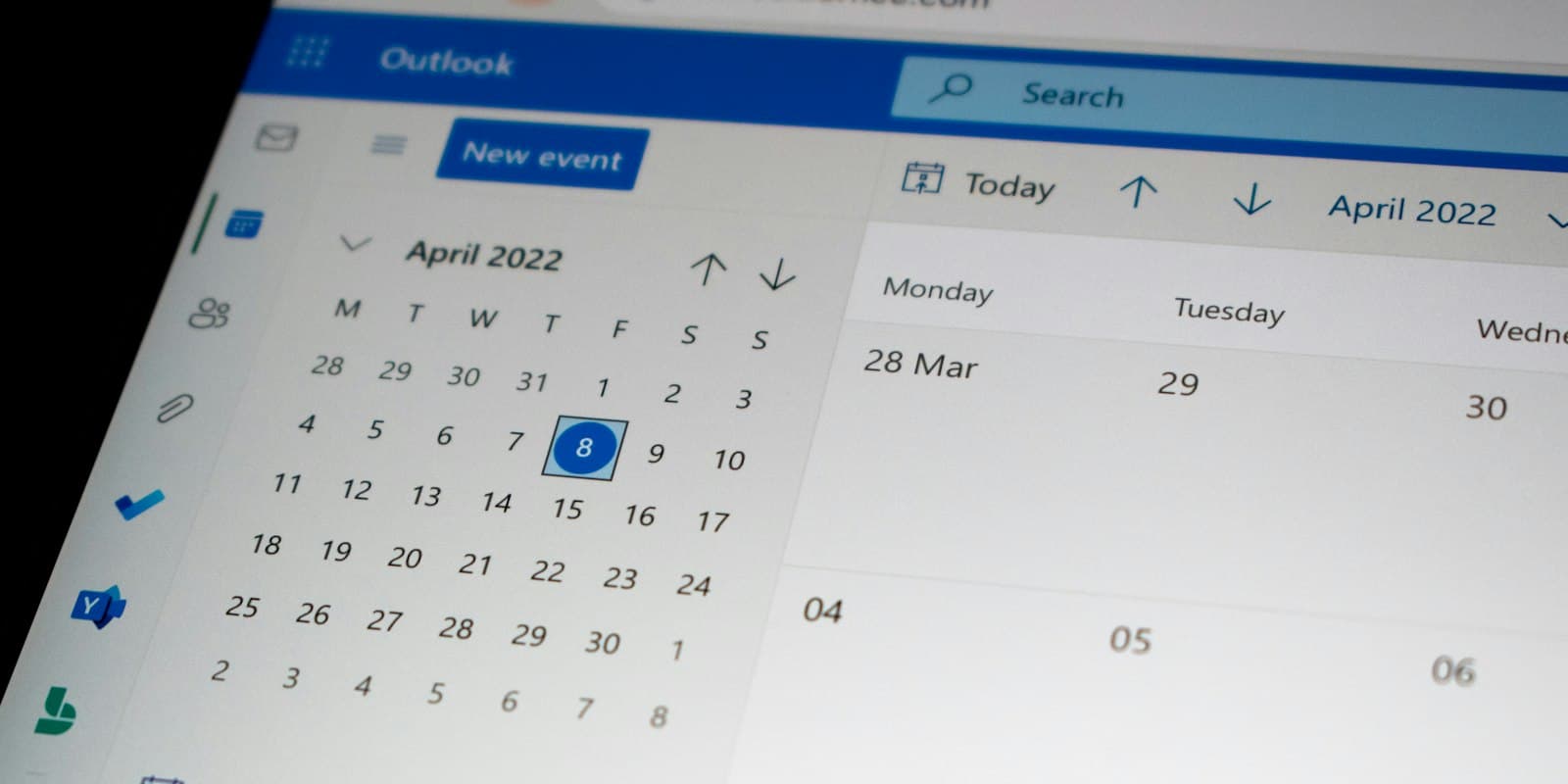 See your follow-ups in Google, Apple or Outlook CalendarOne private link puts every promised callback into the calendar you already keep open, with the number, the stage and the last outcome on it.4 分Webオーナー / 管理者
アカウントと請求
プラン、言語、セッション、エクスポート、削除。
 Plans, seats and billingHow the trial works, which roles use seats, how to subscribe, change, pause or cancel, and where invoices and tax details live.5 分Webオーナー / 管理者
 Languages, time zone and appearanceLumaKol ships in 33 languages. Each person picks their own; the workspace sets the default. Dark mode lives in the mobile apps.2 分WebAndroidiPhone全員
 Sessions, data export and account deletionSign out other devices, export what your role allows, and delete an account — from the app or by request — with what happens to the data spelled out.4 分WebAndroidiPhone全員