

Cómo usar LumaKol, paso a paso
Tutoriales breves con diagramas y pantallas reales de la app, desde crear tu espacio de trabajo hasta formar al equipo con grabaciones. Elige tu rol o empieza por arriba.

Cómo funciona LumaKol
Un ciclo que se repite cada día: llegan leads, los agentes llaman desde sus propios números, la app registra la llamada y pide el resultado, se agenda el seguimiento y los gerentes forman al equipo a partir de lo que realmente pasó.
- Llegan leadsImportar, añadir, asignar
- El agente llama desde la appsu propia SIM, su propio número
- Llamada registradaautomáticamente en Android
- Resultado + seguimientoun toque, diez segundos
- Los gerentes lo ven en vivopanel, informes, grabaciones
Por dónde fluyen los datos
Las llamadas se quedan en la red móvil. Solo el registro de la llamada, el resultado y las notas viajan al espacio de trabajo.
Qué puedes medir
Tres vistas que todo equipo usa cada semana. Los números de abajo son ejemplos; los tuyos salen de las llamadas registradas.
- Interesado34%
- Volver a llamar22%
- Sin respuesta28%
- No interesado16%
- Nuevo320
- Contactado210
- Interesado96
- Cualificado41
- Ganado18
Primeros pasos
Para el propietario que configura el espacio de trabajo: unos 30 minutos de principio a fin.
 1Create your workspaceSign up, verify your email and set the basics — country, time zone, currency and calling hours — before anyone else joins.5 minWebPropietario / administrador
 2Set up your pipeline, call outcomes and fieldsStages describe where a lead is; outcomes describe what happened on a call and what should happen next. Get these right and the app does the paperwork.10 minWebPropietario / administrador
 3Start from an industry pipeline templateReady-made stages, call outcomes, custom fields and an opening script for your kind of business. Apply one in a click, apply another later, and nothing you already have is deleted.4 minWebPropietario / administrador
 4Invite your team and choose rolesAgents and team leads use seats; up to three owners, admins, billing admins and viewers are free. Invite by email, or by mobile number for agents who do not use email.5 minWebPropietario / administrador
La app del agente
Para agentes en Android y iPhone: instalar, llamar, registrar resultados, hacer seguimiento.
 Call scripts and WhatsApp / SMS / email templatesAdmins write scripts and templates once; agents see the right script beside the Call button and send a filled-in message in one tap, logged on the lead.5 minWebAndroidiPhoneTodos
 Track field visits with check-in and check-outCheck in when you reach a customer and check out when you leave. The location is read once at each moment, compared with the lead’s saved location, and every stop shows up on the day’s route.4 minAndroidiPhoneWebTodos
Gestionar el equipo
Para jefes de equipo y administradores: panel en vivo, informes, grabaciones, políticas.
 Calling policy and lead data protectionHours checked before the dial, attempt limits and retry delays; a “Requested no contact” outcome that closes the lead and can block further calls; number masking, recording access and screenshot blocking for the data.6 minWebPropietario / administrador
 Put a lead form on your websiteA form somebody fills in and the lead is already in the calling queue, carrying its source and tags — as a link you can share anywhere, or as HTML you paste into your own site.6 minWebPropietario / administrador
 Add live chat to your website and answer from the Chats inboxOne line of code puts a chat bubble on your site. Visitors leave their name and mobile number, your team replies from the Chats inbox, and every chat is saved as a lead you can call.7 minWebPropietario / administrador
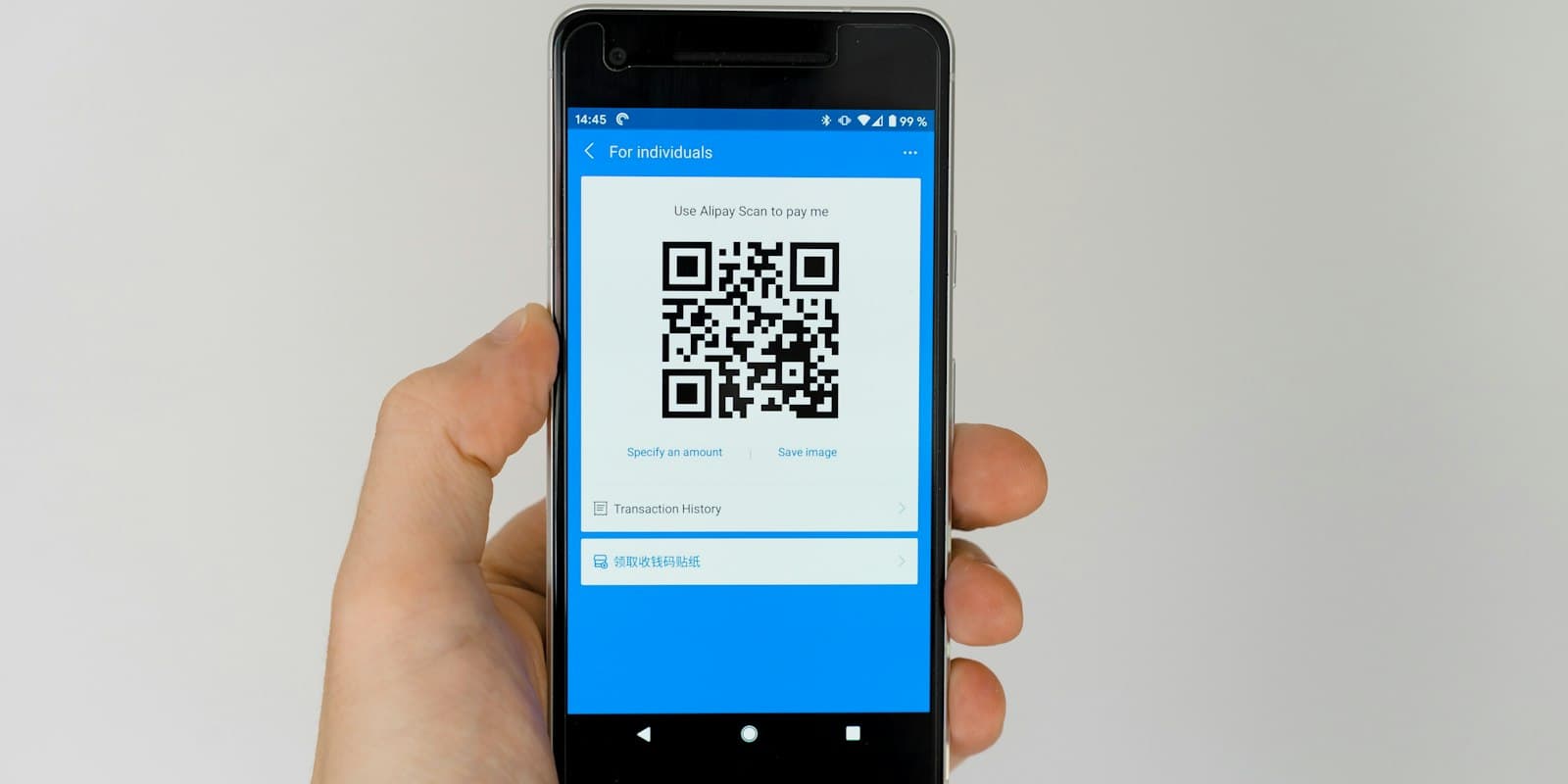 QR code posters and walk-in leadsPrint a QR code for your counter, stand or brochure so visitors fill in your lead form themselves, and log the people you meet in person with one tap on the source.4 minWebAndroidiPhonePropietario / administrador
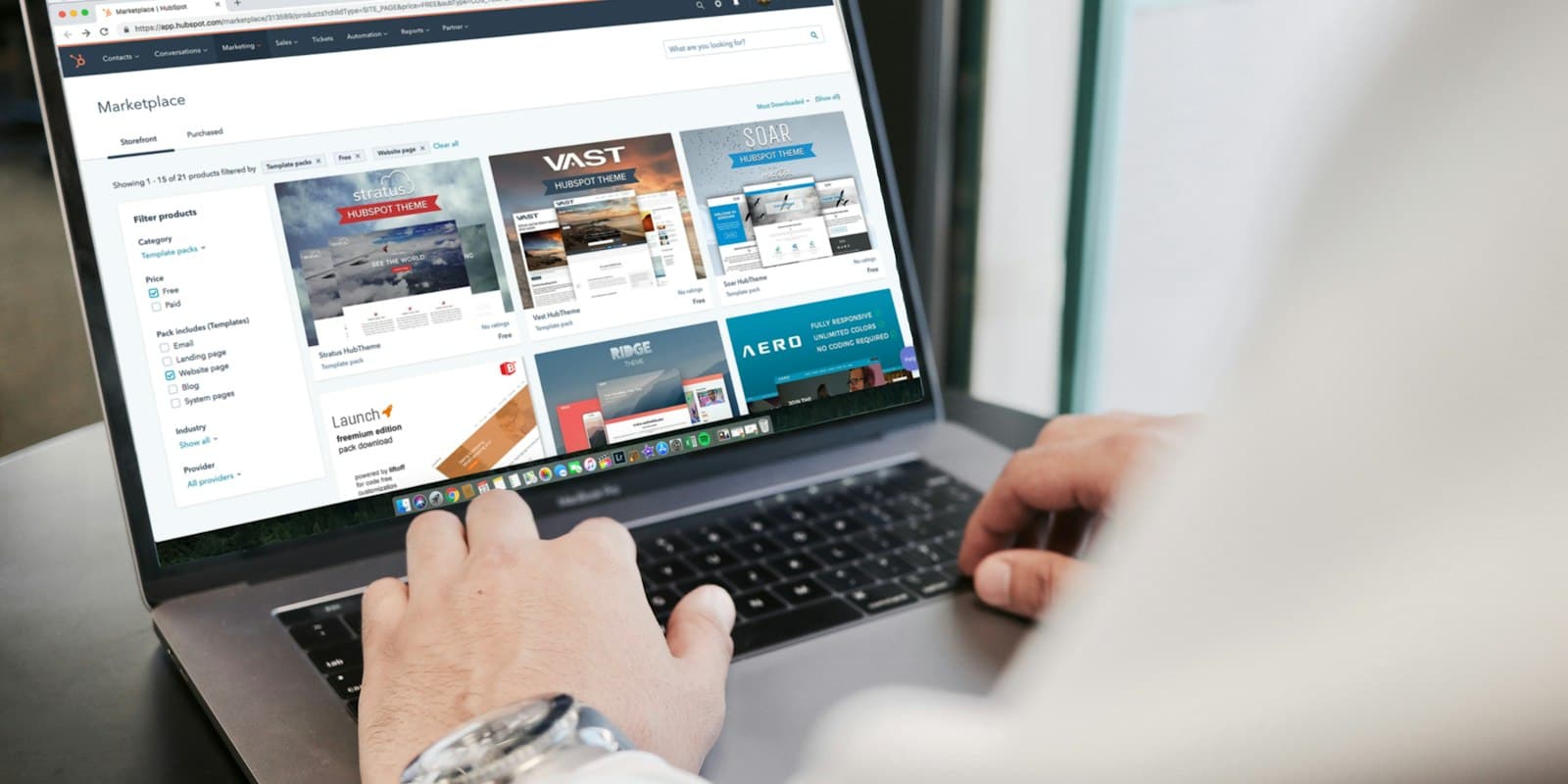 Connect Google Ads, IndiaMART, JustDial and your website as lead sourcesNew enquiries arrive in LumaKol on their own, go to the right person and ring their phone — nobody copies leads from portals, inboxes or sheets.9 minWebPropietario / administrador
 Turn missed calls into leadsA missed call from a new number on an agent’s work SIM becomes a lead with a callback due, owned by the agent whose phone rang. Off by default, Android only, and personal numbers stay out with “Not a lead”.6 minWebAndroidPropietario / administrador
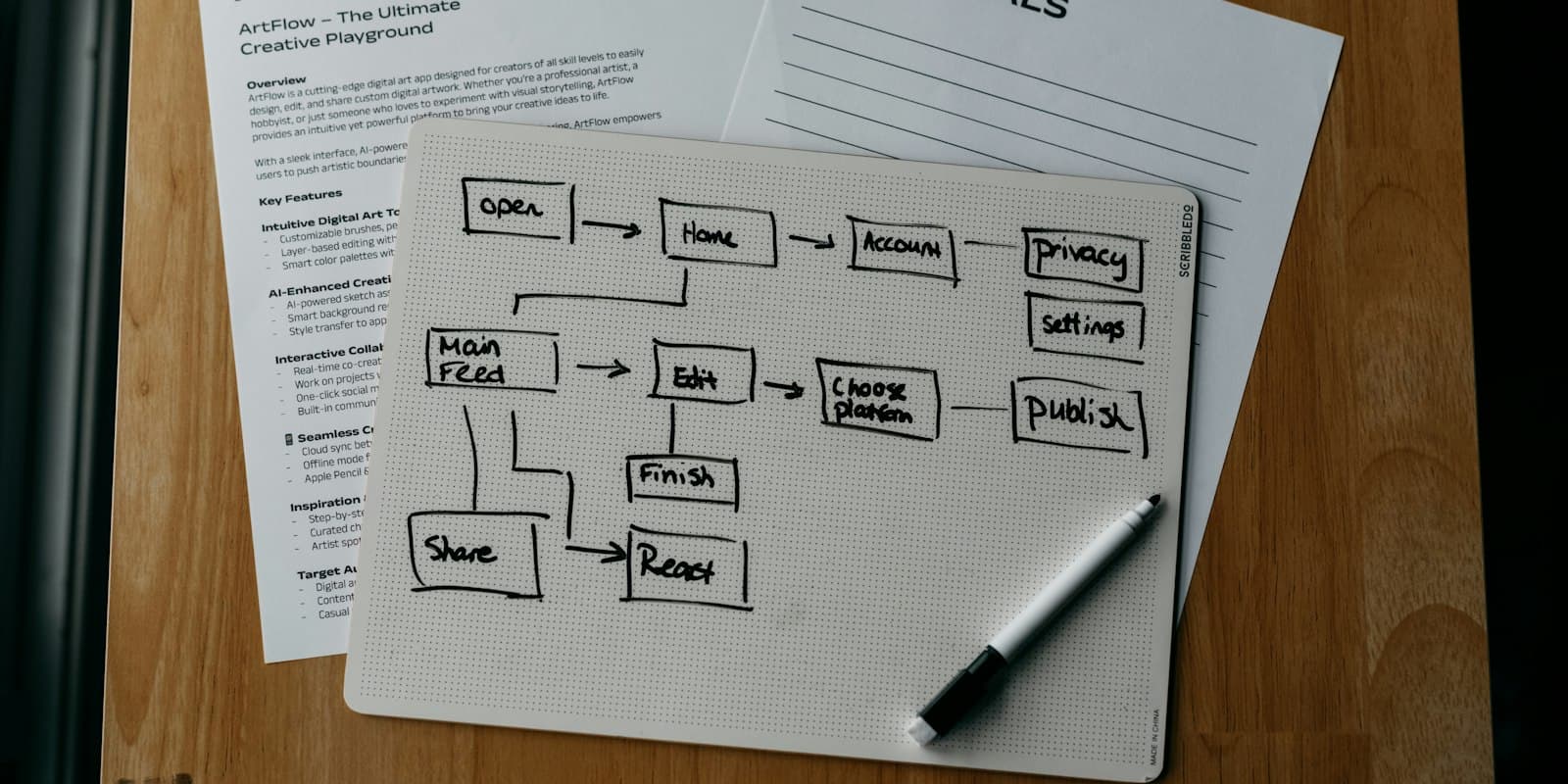 Automate lead handling with rulesWhen something happens to a lead, and it matches, LumaKol does the actions for you — passing on leads nobody called, chasing overdue follow-ups and tidying up after unanswered calls.7 minWebPropietario / administrador
 Follow up automatically with sequencesTimed steps after a lead is added: emails that send themselves, WhatsApp and SMS reminders with the text ready, and call tasks for the owner — ending when the lead answers, is won or is lost.8 minWebPropietario / administrador
 Send quotes and get paid by UPICreate a quote on a lead, share the link on WhatsApp, and let the customer accept it and pay straight to your UPI ID — with the deal value and revenue updating as it happens.6 minWebTodos
 Set monthly sales targets and read the month-end forecastGive each caller a monthly goal for calls, connected calls, deals won and revenue. Everyone sees whether they are ahead or behind as the month runs, and Reports adds what revenue the month is likely to close at.6 minWebPropietario / administrador
 Connect your own software with the API and webhooksA key your tool uses to read and write leads and calls, and webhooks that push events to your own endpoint the moment they happen. Both live in Settings → API & webhooks.9 minWebPropietario / administrador
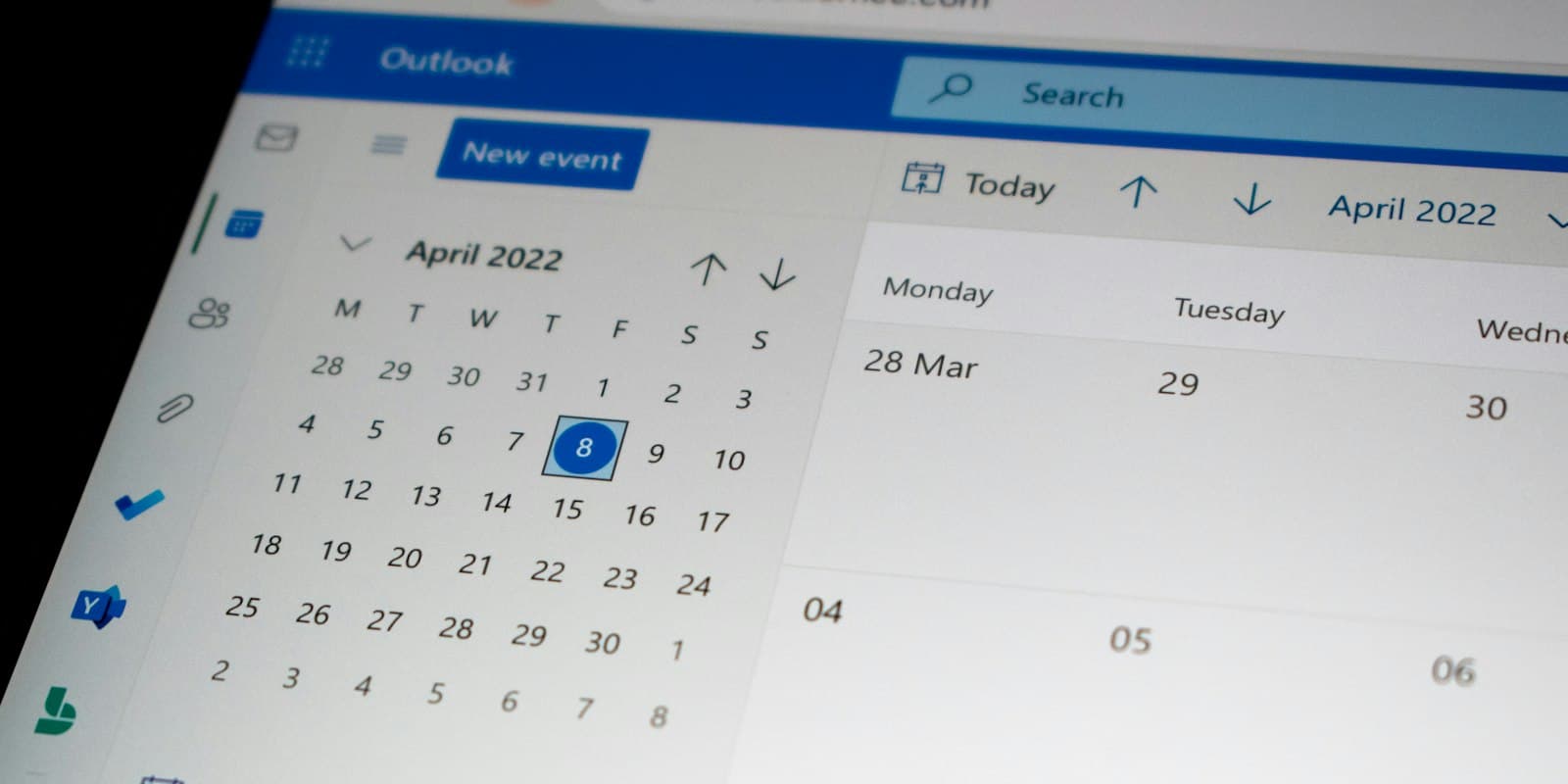 See your follow-ups in Google, Apple or Outlook CalendarOne private link puts every promised callback into the calendar you already keep open, with the number, the stage and the last outcome on it.4 minWebPropietario / administrador
Cuenta y facturación
Planes, idiomas, sesiones, exportaciones y eliminación.
 Plans, seats and billingHow the trial works, which roles use seats, how to subscribe, change, pause or cancel, and where invoices and tax details live.5 minWebPropietario / administrador
 Languages, time zone and appearanceLumaKol ships in 33 languages. Each person picks their own; the workspace sets the default. Dark mode lives in the mobile apps.2 minWebAndroidiPhoneTodos
 Sessions, data export and account deletionSign out other devices, export what your role allows, and delete an account — from the app or by request — with what happens to the data spelled out.4 minWebAndroidiPhoneTodos
Dele a su equipo un CRM que registre cada llamada
Configura tu espacio de trabajo en minutos y empieza a capturar llamadas hoy.
Crear cuenta gratis