

WhatsApp plus calls: the two-channel follow-up playbook, with templates you can copy
Calls get decisions; messages get remembered. How to combine them without becoming noise, the six templates every calling team needs, and how to keep it all on the lead record.
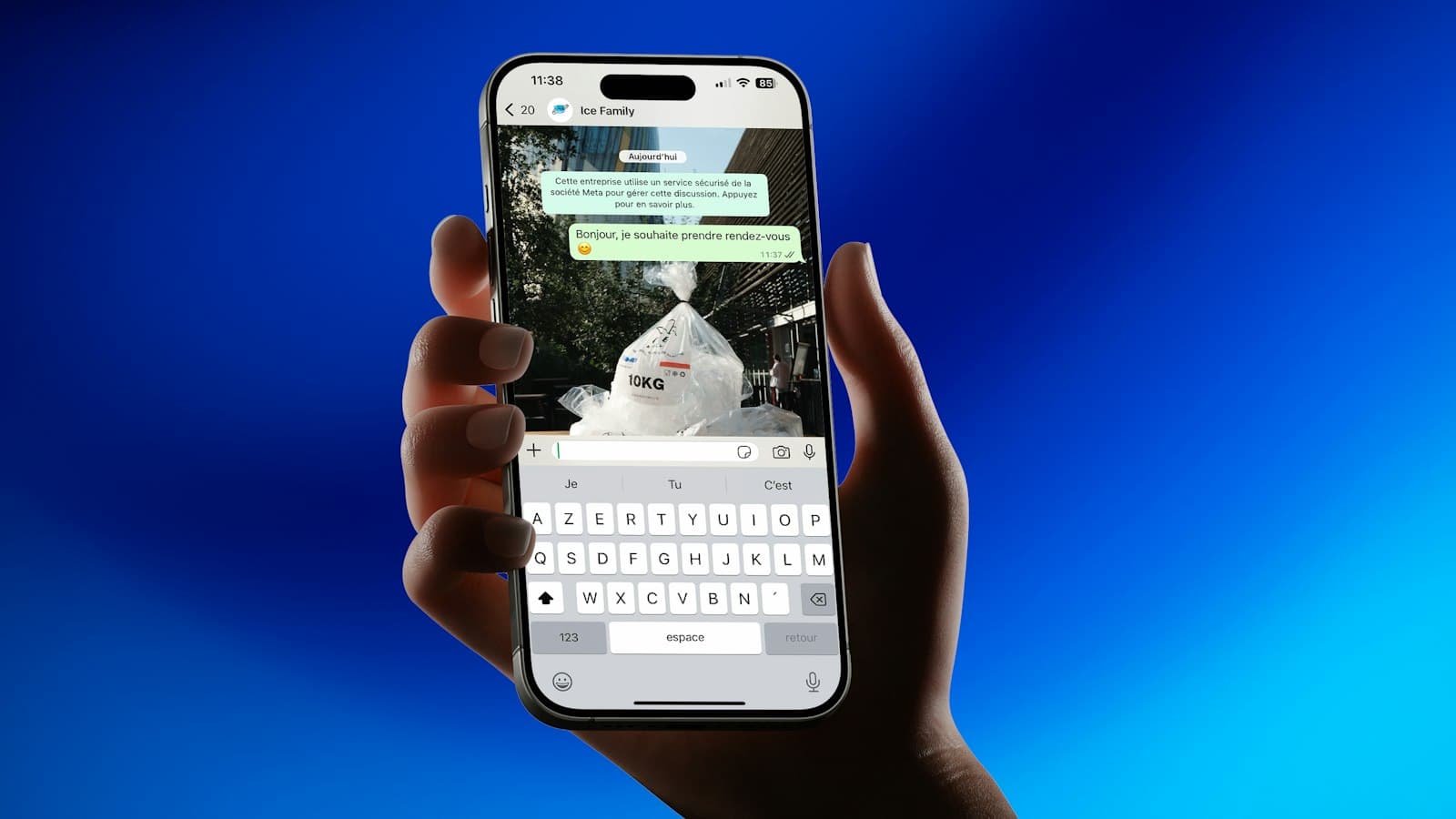
A call is where decisions happen: objections get answered, dates get fixed, prices get agreed. A message is what the customer looks at afterwards: the brochure, the location pin, the fee table, the reminder. Teams that only call are forgettable; teams that only message are ignorable. The combination, run with discipline, is what keeps a lead warm for the two or three weeks most decisions take.
Three rules for the two-channel play
- A message follows a call, or an attempt. It should reference what happened — “as discussed” or “I tried calling” — so it reads as service, not marketing.
- Messages carry something useful: a document, a time, a link, a price. A bare “Hi, following up” is the fastest way to be muted.
- Every message is logged on the lead. If it is not in the timeline, the next agent does not know it was sent and the customer gets it twice.
Six templates every calling team needs
Placeholders in braces stand for details from the lead and the agent. In LumaKol, variables such as {{first_name}}, {{agent}} and {{org}} — and any of your custom fields, such as the product someone asked about — are filled in from the lead when the template is opened, so the message is personal without typing; dates and times the agent adds before sending. Adapt the wording to your business; keep the structure.
1. Tried calling
Hi {first_name}, this is {agent} from {org}. I tried calling about your enquiry for {product}. When would be a good time to talk? You can also reply here.
2. Details as discussed
Hi {first_name}, good speaking with you. As discussed, here are the details for {product}: [attach brochure or price sheet]. I will call you on {follow_up_date} to answer any questions.
3. Appointment confirmation
Confirming your visit on {date} at {time}. Location: [pin]. Ask for {agent} at reception. Reply if you need to change the time.
4. Reminder the day before
Reminder: we are meeting tomorrow at {time}. Looking forward to it — {agent}, {org}.
5. Decision check
Hi {first_name}, checking whether you had a chance to review {product}. If there is anything holding you back — price, timing, options — tell me and I will sort it out.
6. Stay in touch
Hi {first_name}, {agent} here from {org}. No rush on {product} — I will keep you posted on new options. Reply STOP if you would rather I did not.
Timing the two channels
| Moment | Call | Message |
|---|---|---|
| New lead | Within the hour | If unanswered: template 1 immediately |
| After a good call | — | Template 2 within 15 minutes |
| Appointment booked | — | Template 3 now, template 4 the day before |
| Day 7 | Decision call | Template 5 if the call was not answered |
| Long tail | Monthly at most | Template 6 every 4–6 weeks |
If remembering the timing is the hard part, put it in a sequence. In LumaKol a WhatsApp or SMS step in a sequence does not send anything by itself: at the time you set, it notifies the lead’s owner and puts the message, already filled in, behind an Open WhatsApp or Open SMS button on the lead, so it still goes from the agent’s own number. A step nobody sends within three days is skipped rather than holding up the rest.
Keep it compliant and keep it human
Commercial messaging is regulated: SMS templates in India need registration on the operators’ DLT platform, and WhatsApp Business messaging outside an active conversation uses approved templates. Using a fixed library rather than free text keeps you inside those rules and makes logging automatic. Human rules matter just as much: one message per moment, never two in a row without a reply, always from the agent’s own name, and an easy way to say stop that is honoured the same day.
Everything on the lead record
The value of templates compounds when the send is logged. A calling CRM that opens WhatsApp or SMS with the template pre-filled and records “WhatsApp sent · Details as discussed” on the timeline gives the manager a complete picture — calls, outcomes, messages, follow-ups — and gives the next agent the context to continue the conversation rather than restart it.
Gerelateerd
- ProductFunctiesAlles wat LumaKol doet, scherm voor scherm
- HandleidingCall scripts and WhatsApp / SMS / email templates
- HandleidingFollow up automatically with sequences