

Spreadsheets, WhatsApp groups and a register: the hidden cost of running sales without a calling CRM
It feels free. It is not. Where leads leak in a spreadsheet-and-WhatsApp operation, how to estimate what it costs you, and what to keep when you switch.
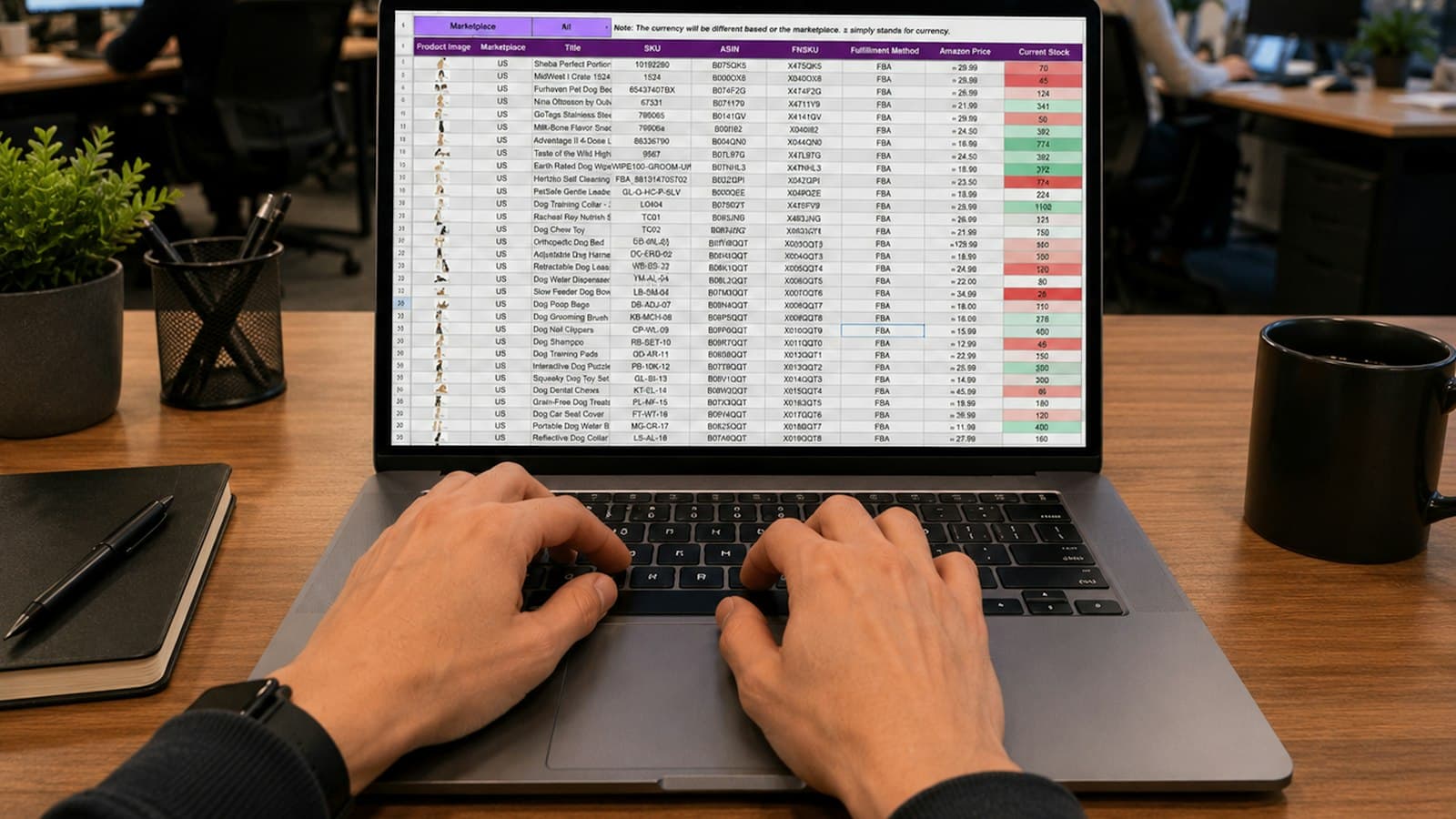
Most small sales teams start the same way: a Google Sheet of leads, a WhatsApp group where agents post “called, will call back tomorrow”, and a manager who scrolls both at night. It works at twenty leads a week. At two hundred it is the most expensive system the company runs, because the cost is paid in deals that quietly disappear.
Where leads leak
- Between arrival and first call. A form submission lands in an inbox, gets copied to the sheet in the afternoon, and is called the next day.
- Between the promise and the callback. “Call after 6” lives in the agent’s memory or a group message that scrolls away.
- Between agents. When someone is on leave or resigns, their tab of the sheet is a graveyard nobody reads.
- Between the call and the record. What actually happened on the call is whatever the agent typed later, if anything.
- Between the sheet and reality. The status column says “Interested”; the last call was three weeks ago.
Estimating the cost in an afternoon
You do not need a study; you need your own sheet. Take last month’s leads and answer four questions.
- How many leads have no call recorded within 24 hours of arrival?
- How many have a callback note whose date passed without a follow-up entry?
- How many have not been touched for more than 14 days and are not closed?
- What is your average deal value and your close rate on leads that were followed up properly?
Multiply the leads found in the first three questions by a conservative fraction of your normal close rate — say a third — and by the deal value. For most teams the number is a multiple of what a CRM costs for a year, and that is before counting the manager’s evenings.
The WhatsApp group problem, specifically
WhatsApp groups feel like coordination but behave like a river: information flows past and is gone. Nothing is attached to the lead, nothing is searchable by customer, nothing reminds anyone. Worse, the group creates the illusion of visibility — the manager sees activity and mistakes it for progress. Individual WhatsApp conversations with customers are valuable; the internal group as a system of record is the leak.
What actually changes with a calling CRM
Not the spreadsheet — the CRM replaces it with the same columns, importable in a minute. What changes is that the record updates itself from the calls. The lead arrives on the agent’s phone with a Call button. The call is logged from the SIM whether or not anyone remembers. The outcome and the next follow-up are captured the moment the call ends. Tomorrow’s due list is generated, not compiled. The manager’s view is live and true. Reassignment when someone leaves is one action, and the new agent sees the whole history.
| Question | Sheet + group | Calling CRM |
|---|---|---|
| Was this lead called? | Ask the agent | Call log from the SIM, with duration |
| When is the callback? | Search the group | Due list, reminder on the phone |
| What was said last time? | Free-text column, maybe | Timeline of outcomes, notes and recordings |
| Who owns it if Rahul leaves? | Nobody, until noticed | Reassigned with full history |
| How is the team doing today? | Evening scroll | Live board and daily numbers |
What to keep from the old way
Keep the simplicity. The reason sheets survive is that anyone can use them in a minute; a CRM that needs a training day is a sheet with extra steps. Keep the WhatsApp conversations with customers — templates and logging make them better, not different. Keep the agents’ own phone numbers; customers know them. Move only the memory and the discipline into the software.
Switching without losing a week
- Export the sheet, clean the phone numbers, and import it with the duplicate check on. If the sheet holds cold numbers rather than enquiries, screen them against the DND registry before you upload.
- Map your status column to stages and your usual outcomes to dispositions before the team logs in.
- Install the app on each agent’s phone, pick the work SIM, and let it capture from day one.
- Run the group and the CRM in parallel for one week; on day eight, mute the group for lead updates.
- Review overdue follow-ups on day 14. That number is the leak you just plugged.
Пов’язане
- ПродуктФункціїУсе, що вміє LumaKol, екран за екраном
- ПосібникImport leads and assign them
- ПосібникCreate your workspace