QR code posters and walk-in leads
Print a QR code for your counter, stand or brochure so visitors fill in your lead form themselves, and log the people you meet in person with one tap on the source.
- A lead capture form (see “Put a lead form on your website”)
- Owner or admin access to Settings → Integrations for the QR code
- A printer, if you want a poster
- 1
Open the form’s QR code
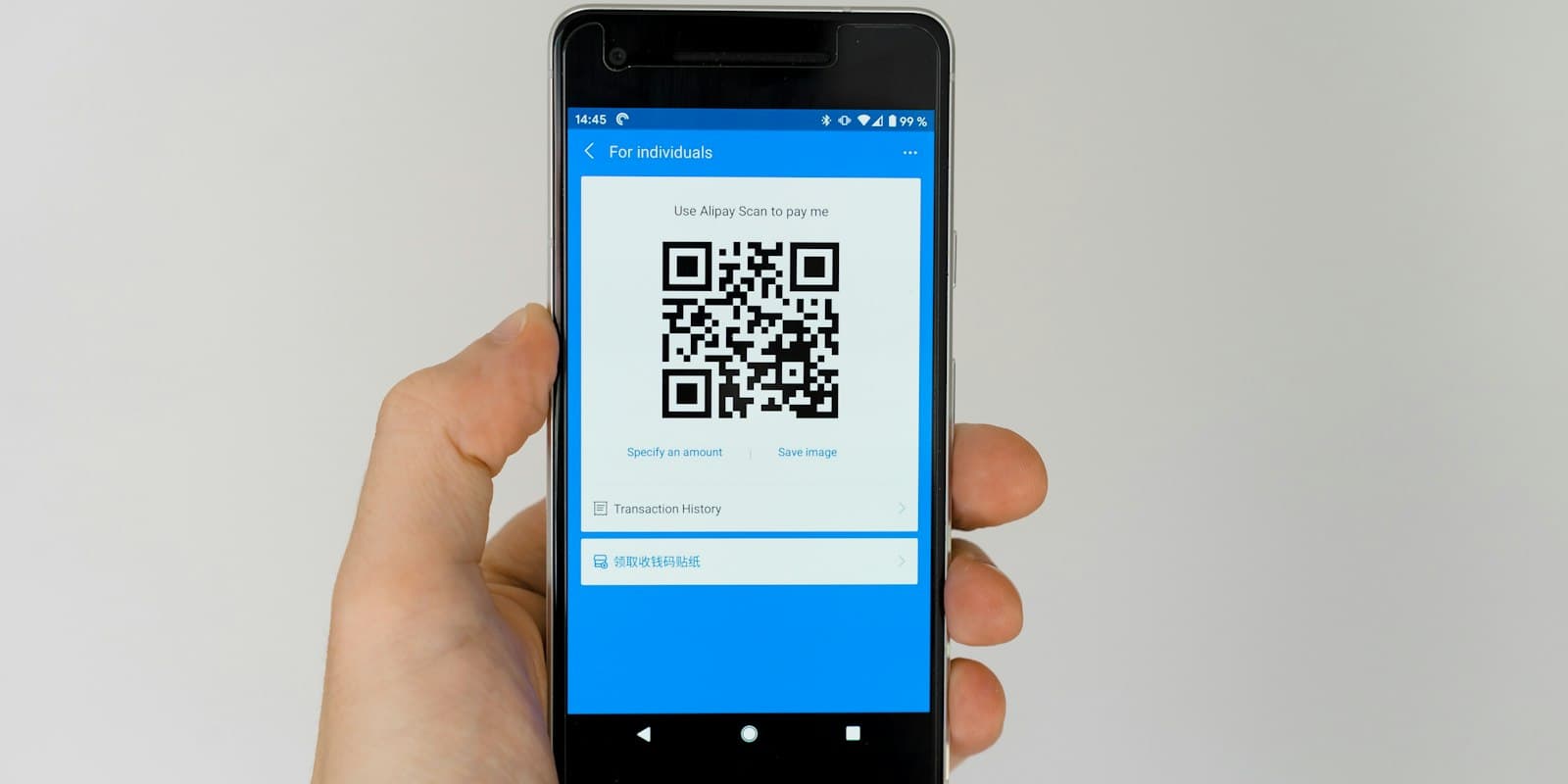
Settings → Integrations → Lead capture forms, then QR code on the form you want. The code opens the form’s hosted page; the link inside it is shown under the code so you can test it from your own phone first.
- Visitor scansphone camera
- Form opensyour hosted form
- Lead createdtagged “qr”
- Agent calls back
Print to call-back, with nobody typing anything in - 2
Download it or print a poster
Download PNG saves a large image of the code for your own designs — a brochure, a standee, a slide. Print a poster opens a ready A4 page in a new tab with your workspace name, the form’s headline (or “Scan to get a call back”), its introduction, the code, three short steps for the visitor and the link written out. Press Print, or choose Save as PDF in the print dialog.
مشورہ: Use one form per place — the shop, the expo, the site office — each with its own source. Reports and Leads → Lists then tell you which spot is producing calls worth making. - 3
Know which leads came from print
Everyone who arrives through the code gets the tag “qr” on top of the form’s own tags. The lead’s source stays the form’s source, so filter by the tag to see what the poster brought in, or use it in an automation rule.
- 4
Log walk-ins in one tap
For people you meet face to face, add the lead yourself: Leads → Add lead on the web, or Leads → Add leads → Add a lead in the Android and iPhone apps. Under Source, tap Walk-in, Business card, Referral or Event and the source is filled in; you can still type your own. Tap the chip again on the phone to clear it.
- The suggestions are the same on the web, Android and iPhone, and cannot be edited
- Holding a business card? Scan it instead — see “Scan business cards into leads”
آخر میں آپ کے پاس کیا ہوگا
- A printed code that turns passers-by into leads with a call-back due
- Leads from print marked with the “qr” tag
- Walk-ins and referrals logged with a proper source in seconds
عام سوالات
Does the QR code change if I edit the form?+
No. It points at the form’s link, which stays the same when you change the fields or the headline. Pausing or deleting the form stops the code working.
Can I get the poster in another size?+
The poster is A4. For any other size, download the PNG and place it in your own design.
متعلقہ
- پروڈکٹخصوصیاتLumaKol جو کچھ کرتا ہے، ہر اسکرین کے ساتھ
- گائیڈScan business cards into leads
- گائیڈPut a lead form on your website
سپورٹ کو لکھیں — ہر پیغام کا جواب ایک کاروباری دن کے اندر ایک انسان دیتا ہے۔
سپورٹ سے رابطہ کریں